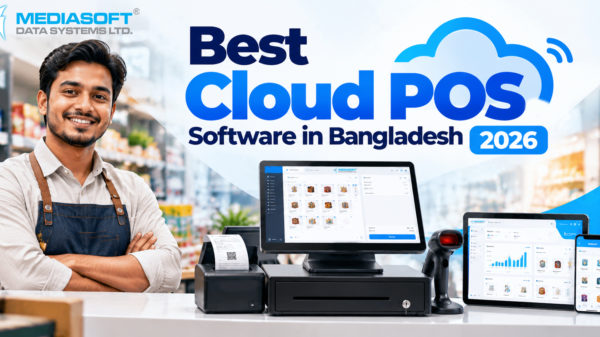





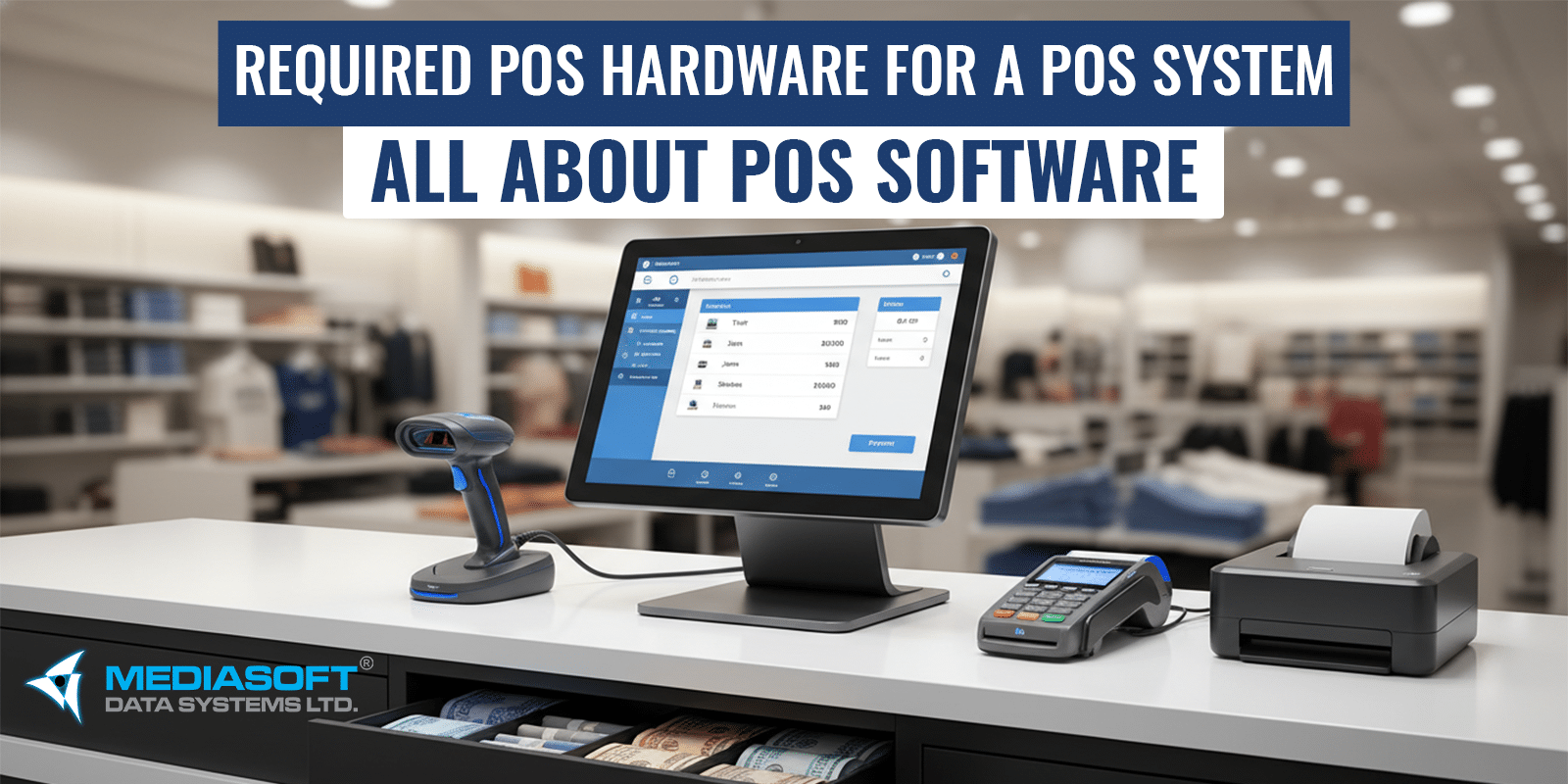
In today’s fast-paced retail and hospitality world, a Point of Sale (POS) system is no longer just a cash register — it’s the heart of your business operations. A powerful combination of hardware and software, a POS system helps you accept payments, manage inventory, track sales, and deliver excellent customer experiences. But what exactly do you need to make one work? Let’s break it down.
What Is a POS System?
A POS system consists of two major parts:
POS Hardware – The physical equipment used to run your business
POS Software – The application that handles transactions, reporting, inventory, and more
Both parts are essential — without the right hardware, even the most advanced software cannot function smoothly.
Essential POS Hardware Components
Here are the core hardware components any POS system typically requires:
1. POS Terminal (Main Workstation)
This is the central device where your staff interacts with the system.
🔹 Can be a desktop computer, laptop, all-in-one touchscreen device, tablet (like iPad/Android), or specialized POS terminal.
🔹 Runs the POS software and processes sales, inventory, and customer data.
🔹 For touchscreen ease of use and faster operations, many businesses prefer touch displays over traditional keyboards.
2. Receipt Printer
Customers still expect printed receipts, even with digital options available.
🔹 Thermal printers are the most common (fast, quiet, inkless).
🔹 Prints transaction details, including items, prices, and totals.
🔹 In restaurants, printers may also send orders to kitchen stations.
3. Cash Drawer
A secure drawer for storing cash and change.
🔹 Connects directly to the POS system and opens automatically after checkout.
🔹 Essential for businesses accepting cash.
🔹 Helps reduce mistakes and improve cash handling security.
4. Card Payment Terminal / Reader
Supports all modern payment options.
🔹 Accepts credit cards, debit cards, chip & PIN, and contactless methods (tap & mobile wallets).
🔹 Modern readers are EMV-compliant for secure transactions.
🔹 Can be integrated into the POS terminal or stand-alone.
5. Barcode Scanner
A must for retail stores.
🔹 Scans product barcodes instead of manual entry, speeding up checkout.
🔹 Reduces errors and integrates with inventory tracking.
🔹 Available in handheld, wireless, or fixed formats.
6. Customer Display (Optional but Valuable)
Shows the customer transaction details in real time.
🔹 Improves transparency and trust.
🔹 Can be used to show promos or loyalty messages at checkout.
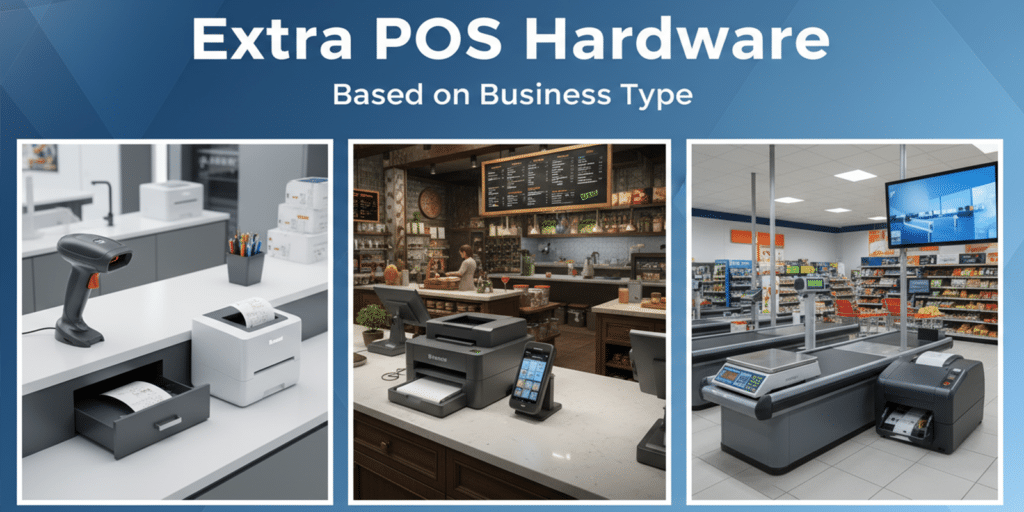
➕ Additional POS Hardware (Based on Business Type)
Different industries require additional POS equipment.
🍽️ Restaurant POS Hardware
- Kitchen Printer or Kitchen Display System (KDS)
Sends orders directly to the kitchen - Handheld POS Devices
For tableside ordering & billing - Self-Order Kiosks
Reduce waiting time and staff load
🛒 Retail & Supermarket POS Hardware
- Weighing Scales (integrated with POS)
- Price Checkers
- Multiple Barcode Scanners
⚡ Power & Network Equipment
- Stable internet connection
- Router / LAN setup
- UPS or surge protectors
All-in-One POS vs Modular POS Hardware
✔ All-in-One POS System
- Compact design
- Easy installation
- Ideal for small to medium businesses
✔ Modular POS System
- Separate hardware components
- More flexibility
- Ideal for high-volume businesses
POS Software: The Brain Behind the System
Now that we know the hardware, let’s talk about the software that runs it.
POS software controls:
Transaction Processing
Handles sales, taxes, refunds, and different payment types.
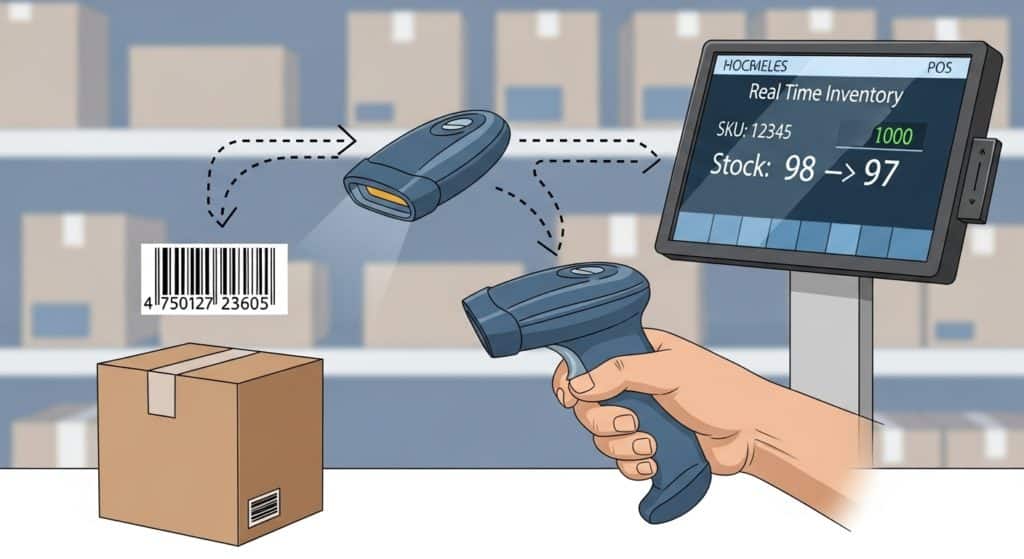
Inventory Management
Automatically updates stock levels in real time as items are sold.
No manual stock lists. (Critical for retail).
Sales Reporting & Analytics
Provides insights into best-selling products, peak hours, staff performance, and more — helping you make informed decisions.
Customer Management & Loyalty Programs
Stores customer data, rewards points, purchase history, and preferences.
Aq. Multi-channel Syncing
Modern POS software often syncs with eCommerce, accounting, and loyalty platforms — giving you a unified view of your business.
How Hardware and Software Work Together
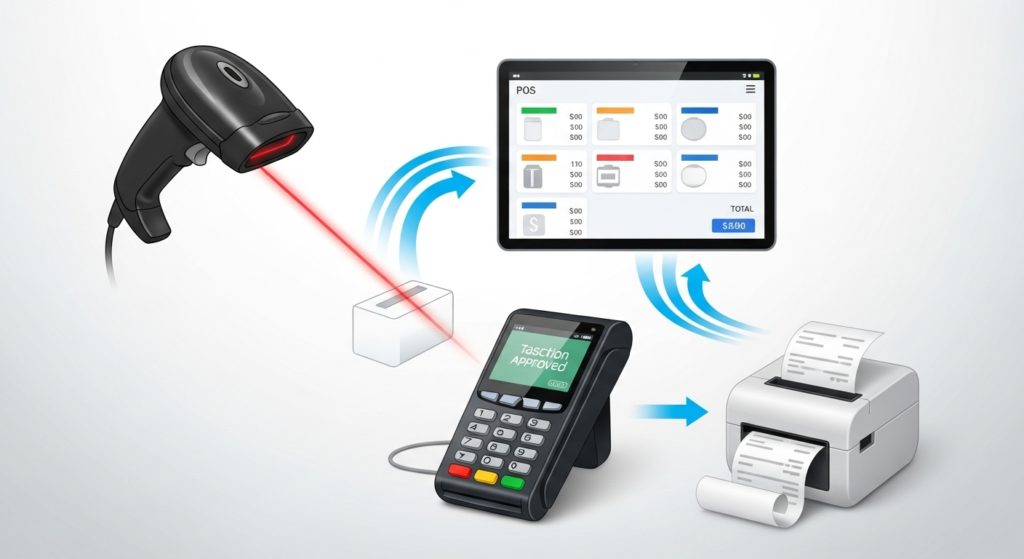
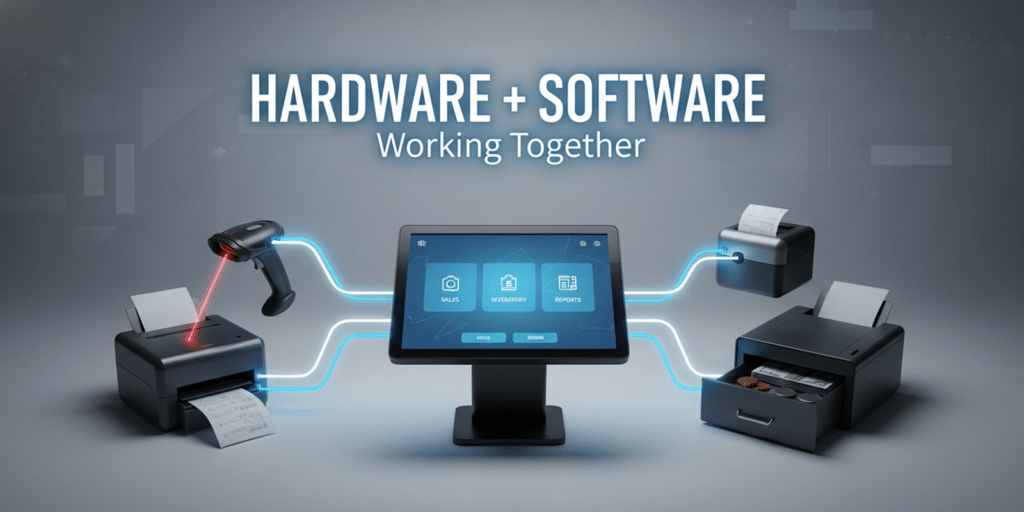
Hardware and software must be compatible and well-integrated for a POS system to deliver maximum value. While hardware captures data (e.g., scanning a code), the software processes it (e.g., recording an item sale, updating inventory, and generating reports).
For example:
✔ A barcode scanner reads an item’s code → POS software recognizes the item → inventory count updates.
✔ A payment reader accepts a card → POS software processes the payment → receipt prints automatically.
Final Thoughts: Build the Right POS for Your Business
Choosing the right POS setup depends on your business type:
👉 Retail stores focus on barcode scanners, scales, and robust inventory tracking.
👉 Restaurants prioritize kitchen printers/KDS, mobile POS for tableside service, and fast payment terminals.
👉 Small shops may use all-in-one tablet systems for affordability and simplicity.
Always consider your daily transaction volume, business complexity, growth plans, and customer experience goals when selecting hardware and software.
With the right combination, a POS system becomes more than a checkout tool — it becomes the central nervous system of your business.